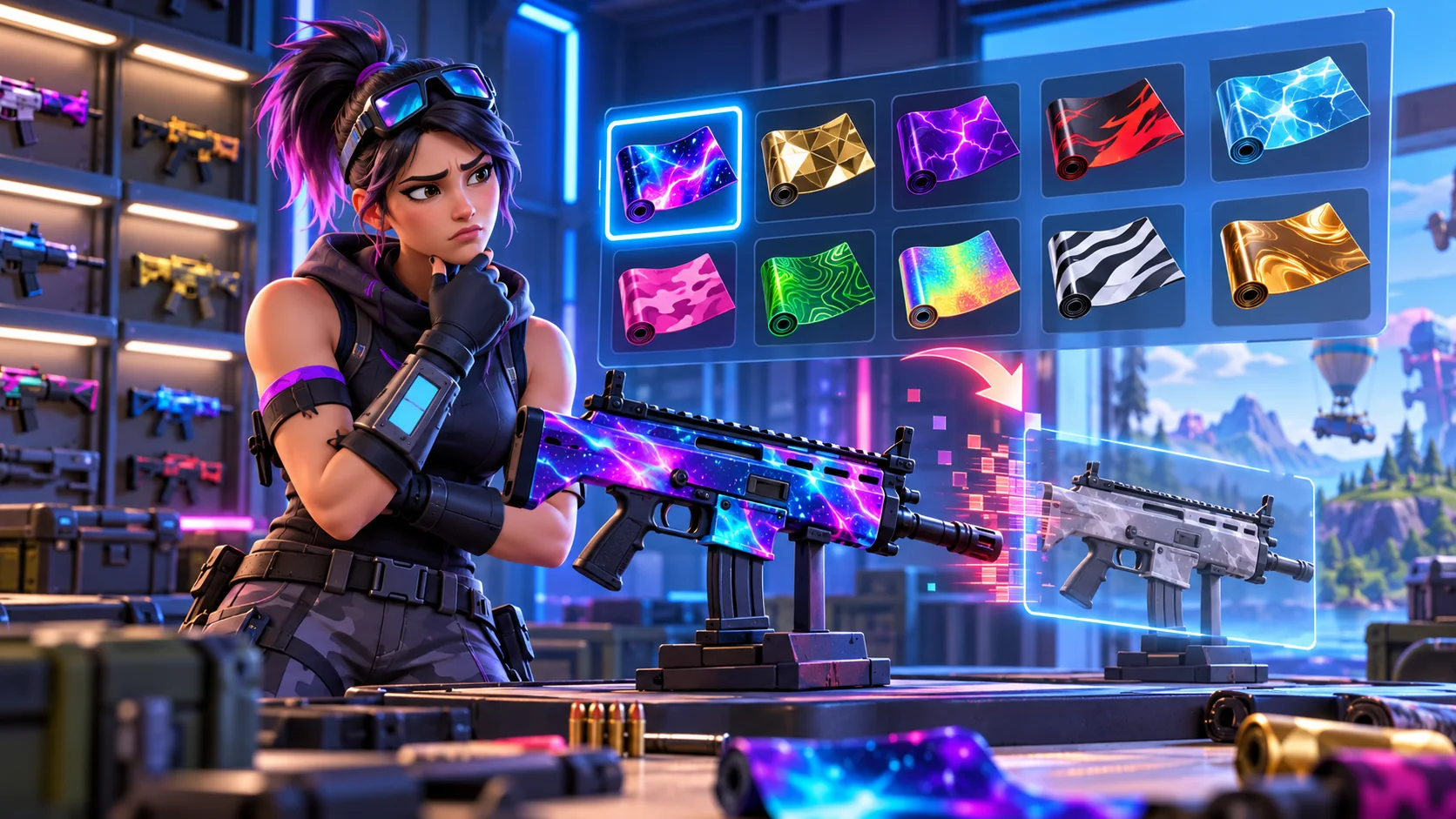
If one wrap will not stay saved, reduce the locker to one clean test case first.
When Fortnite cosmetic wraps or style choices keep reverting, start by testing a single weapon or vehicle wrap in one preset only. Remove extra variables such as shuffled loadouts, multiple presets, rapid style switching and instant queueing. Save one change, return to the lobby, relaunch Fortnite, and check whether the same preset keeps the wrap. If only one item or preset fails, the problem is usually narrower than your whole account.
Where are the wraps failing to stick?
Use the exact point of failure to decide whether it is a specific item, a preset sync problem or a broader locker save issue.
4 easy things to try, in order
Work from the smallest test first so you do not create confusion across multiple presets and cosmetics.
Create one clean locker test preset
Choose one skin and one weapon wrap, then save them in a spare preset. Turn off shuffling if you use it. Avoid changing multiple emotes, wraps and styles at once. Back out of the locker normally so the change has a chance to sync.
A single clean preset tells you whether the issue follows one item or the whole locker.
Relaunch Fortnite and check whether the same preset survives
Return to the lobby, close Fortnite, reopen it, and inspect the exact preset again. If the wrap survives a relaunch, the earlier revert may have been caused by rapid switching or an interrupted save. If it reverts again, note whether only one item changes back.
Do not queue into several matches before confirming the save stuck.
Use platform-safe maintenance only
On PC, verify Fortnite through the Epic Games Launcher. On console, fully close the game and restart the system before retesting. If Fortnite services are unstable, wait before making more cosmetic edits.
Use safe troubleshooting; do not remove linked accounts or delete game data to fix a locker issue.
Escalate only after you know what fails
Write down the platform, the item type affected, whether the issue follows one preset, and whether the same change survives a relaunch. That makes an Epic support ticket much clearer if the bug persists.
A precise report is more useful than “my wraps are bugged.”
A wrap reverting in the locker does not mean you lost ownership. Avoid changing account links, spending V-Bucks again, or using risky third-party tools that claim to “repair” cosmetics.
Useful patterns that narrow the bug down
These behaviors often show whether you are facing a cosmetic-specific bug or a broader locker sync issue.
The bug affects one preset only.
Duplicate the preset or rebuild it from scratch instead of editing every preset at once.
The wrap shows correctly in one match, then reverts later.
That suggests the save did not persist cleanly or a later locker sync overwrote it.
Only reactive or special styles fail.
Treat special cosmetics separately from normal wraps and note the exact item in your report.
Friends do not see the same cosmetic problem.
That can point to an item-specific or account-specific locker bug rather than a global outage.
Need help for a stubborn locker bug?
Report the exact cosmetic, preset behavior, platform and whether the wrap survives a full relaunch.
Epic Fortnite support ↗Quick FAQs
Does this mean I lost the cosmetic?
Usually no. A style or wrap revert is more often a locker save or sync issue than lost ownership.
Should I reinstall Fortnite first?
No. Start with a single-preset test and a relaunch before using bigger steps.
Can shuffled presets cause confusion?
Yes. Turn shuffle off while testing so you know which preset is actually being loaded.
Should I keep changing many items until it works?
No. Make one simple change, then verify whether it sticks.
Can Epic Support help if one item is bugged?
Yes, especially if you report the exact cosmetic and repeatable behavior.
Official support sources
Original Walker Bex article. Reviewed October 12, 2026. Use current official support instructions if menus or services change.