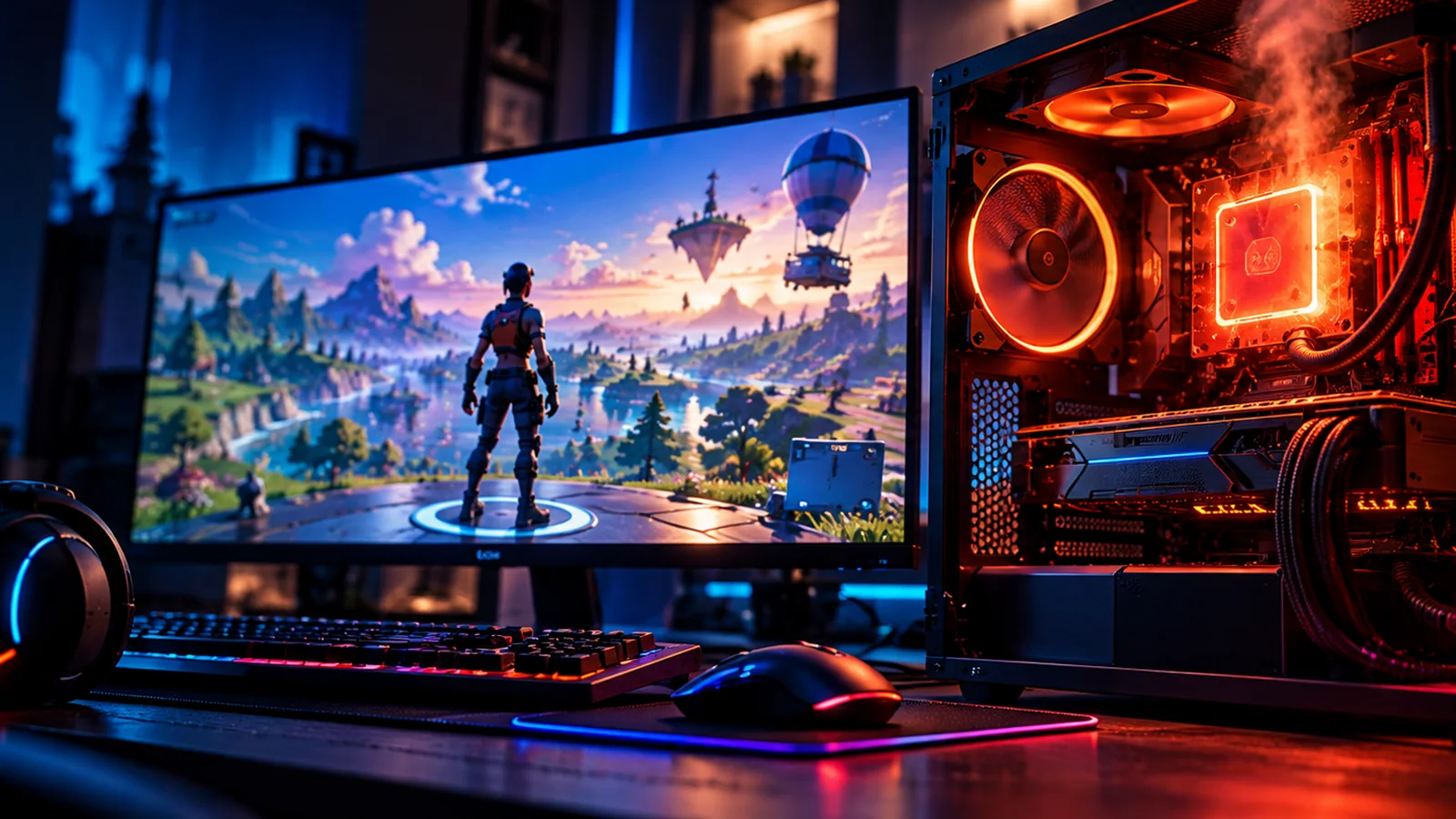
A short loading spike is not the same as a sustained overheating problem.
First compare peak temperature versus how long it lasts. Fortnite can load assets and perform CPU-intensive work when entering the lobby. If temperatures stay unusually high, frame-rate stability worsens, or the PC shuts down, stop playing and check airflow, fan operation, dust buildup, and cooling. Test a sensible FPS cap after the lobby loads; never attempt risky BIOS voltage changes just to reduce a brief spike.
Which temperature behavior do you see?
The duration and accompanying symptoms tell you how urgent the issue is.
4 easy things to try, in order
Avoid stress-testing a device that is already shutting down from heat.
Measure temperatures and their duration
Use a reputable hardware monitoring tool and note temperature while loading versus after one or two minutes idle in the lobby. Compare readings with your exact CPU model’s published thermal specifications. A one-second peak and a sustained high reading require different decisions.
A thermal limit depends on the processor; there is no universal “safe gaming temperature.”
Check fans, vents, air intake and workload
Confirm case vents are unobstructed and fans actually spin. Pause background encoding or downloads, and try a stable FPS cap so Fortnite does not render hundreds of lobby frames needlessly. Keep laptops on a firm, ventilated surface.
If the cooling system is inaccessible, ask a qualified technician rather than opening it under power.
Respond safely to thermal throttling or shutdown
If performance falls sharply as temperature rises, or the computer repeatedly shuts down or reboots, close Fortnite and let the system cool. Seek manufacturer or technician support for fan, heatsink or cooling inspection. Do not bypass thermal shutdown protections.
Repeated shutdowns are a hardware stability warning, not just a Fortnite settings issue.
Separate patch-specific CPU load from permanent overheating
After the PC is stable, compare behavior in other games and during a normal Fortnite match. A lobby-only spike following a patch may reflect background asset or shader work; high readings across many programs suggest cooling trouble. Document Windows, CPU model and measured behavior.
Change one setting at a time to identify a real improvement.
Sudden shutdowns, unusual smells, failing fans, or repeated thermal warnings deserve a system inspection, not another benchmark.
What the thermal pattern suggests
Use duration and symptoms rather than chasing a single temperature number.
Only the first lobby after an update runs hot
Background loading or compilation may temporarily increase CPU demand.
Heat persists in other games too
Investigate general cooling and hardware maintenance.
Temperatures fall with a sensible FPS cap
Unrestricted rendering may have been adding unnecessary load.
The system throttles or shuts off
Prioritize cooling and stability before launching Fortnite again.
Still need help?
If these checks did not solve it, record the exact symptoms, platform, and what each test changed before contacting official support.
Epic Support ↗Quick FAQs
Is a brief CPU temperature spike automatically dangerous?
No. Duration and your CPU’s documented limits matter.
Why does a game lobby use CPU resources?
Loading assets, updating state and compiling shaders may cause brief activity.
Will lowering the FPS cap help?
It can reduce unnecessary load, especially in menus, but cannot fix a failed cooling system.
Should I undervolt my CPU to fix Fortnite?
Not as an initial fix; use ordinary cooling and settings checks and seek qualified help.
What if Fortnite causes a thermal shutdown?
Stop playing and investigate hardware cooling rather than repeatedly restarting.
Official support sources
- Epic: Fortnite FPS troubleshooting and overheating
- Microsoft: PC thermal guidance
- Epic Games Fortnite Support
- Epic Games Status
Original Walker Bex troubleshooting guide. Reviewed October 14, 2026. Official help instructions and current game options may change.