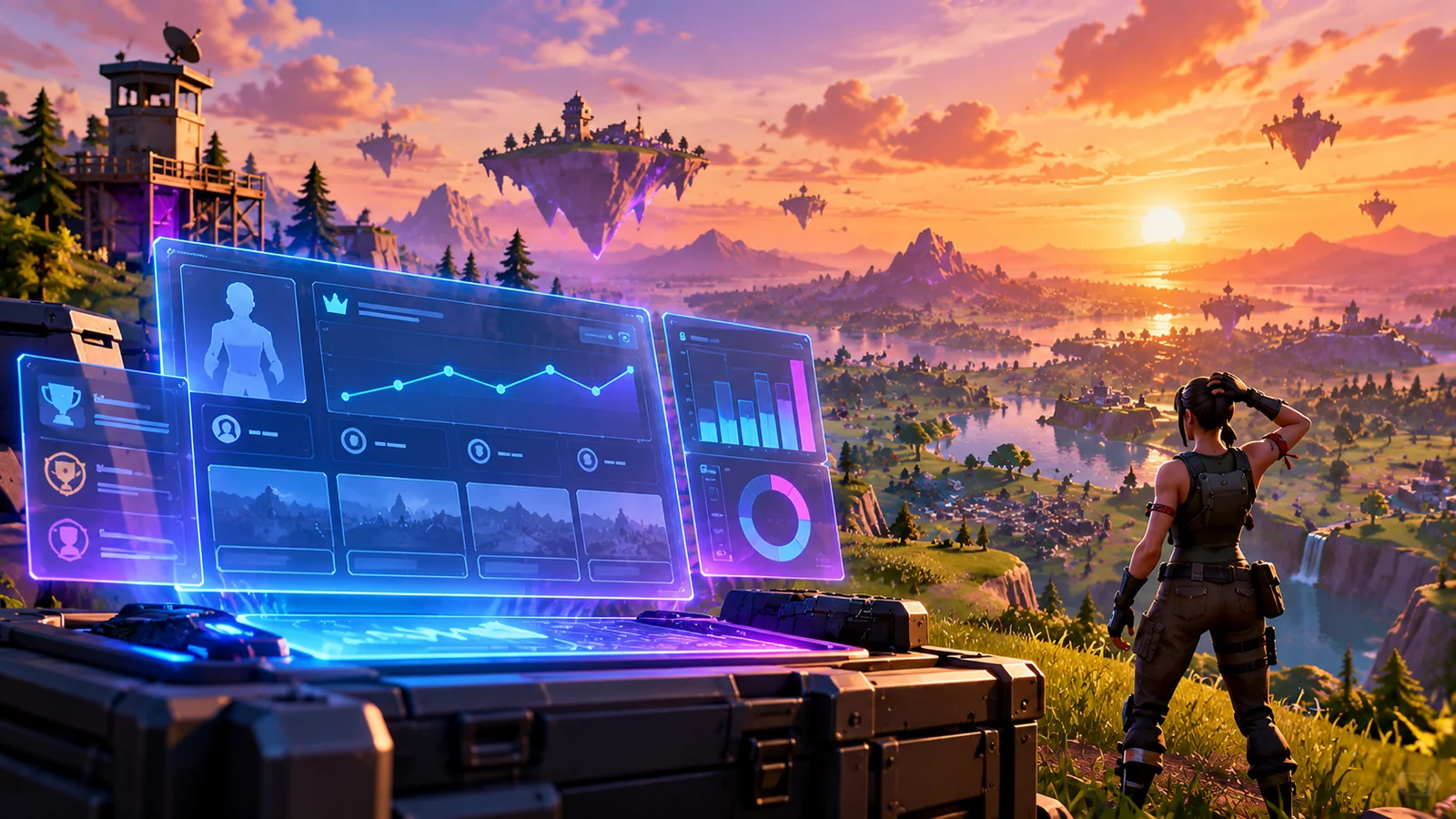
Wait at least 15 minutes, then check Career → Stats Options.
Epic says Fortnite Career stats may take at least 15 minutes to update after a match. In the lobby, go to Career → Stats Options and confirm you are using the relevant mode, season and filter. If the record remains wrong after waiting and checking filters, compare another supported match and look for an official known issue; not all experiences feed the same Career totals.
Which stat is missing?
A delayed match, a filter mismatch and an unsupported experience should not get the same fix.
4 easy things to try, in order
Avoid changing your Epic account or reinstalling to solve a delay in the statistics display.
Wait 15 minutes before diagnosing a missing match
Finish the match, return to lobby and give the stats system time to update. Epic explicitly advises waiting at least 15 minutes after a match before checking Career totals. Repeatedly restarting during that interval will not accelerate the server record.
Keep a note of the mode and approximate end time.
Check Career → Stats Options and filters
From the lobby open Career, then use Stats Options to review filters such as game mode or period. Choose the mode and timeframe for the match you want to see. A filter mismatch can make a tracked result appear absent.
Do not compare different playlists or seasons as if they were one total.
Check what counts toward the stat
Some islands, custom modes or limited-time experiences may not contribute to the exact standard Career metrics you expect. Test one normal eligible match and compare the view after the update period. That helps distinguish missing data from a category limitation.
A completed match is not always counted in every stat category.
Report reproducible missing history
If several eligible matches remain absent despite waiting and filtering, check Epic status and known issues. Capture the platform, timestamp, match type and affected Career screen for support. Avoid unofficial websites that request your Epic credentials.
Account login or reinstall changes usually do not repair server-side stat records.
Career data is associated with Epic systems; enter your account credentials only through official Epic sign-in flows.
Common reasons stats seem missing
Use a short timeline and filter comparison.
Only the newest match is absent
Allow at least Epic’s documented 15-minute update window.
The Career tab is empty across categories
A display-side incident or broader account view issue is possible.
One playlist never appears in a particular stat
That mode may not contribute to that metric.
Friends have the same failure after a patch
Check Epic announcements for a Career stats bug.
Still need help?
If these checks did not solve it, record the exact symptoms, platform, and what each test changed before contacting official support.
Epic Support ↗Quick FAQs
How long should Career stats take to update?
Epic recommends waiting at least 15 minutes after a match.
Where are Career stat filters?
Open Career from the lobby, then Stats Options.
Does every Creative island count for regular BR wins?
Do not assume so; statistics depend on the experience and tracked category.
Should I reinstall Fortnite for missing wins?
No. Check the delayed update, filters and service status first.
Can a known display bug hide stats?
Yes, a Career display issue can occur without implying account progress was deleted.
Official support sources
Original Walker Bex troubleshooting guide. Reviewed October 14, 2026. Official help instructions and current game options may change.