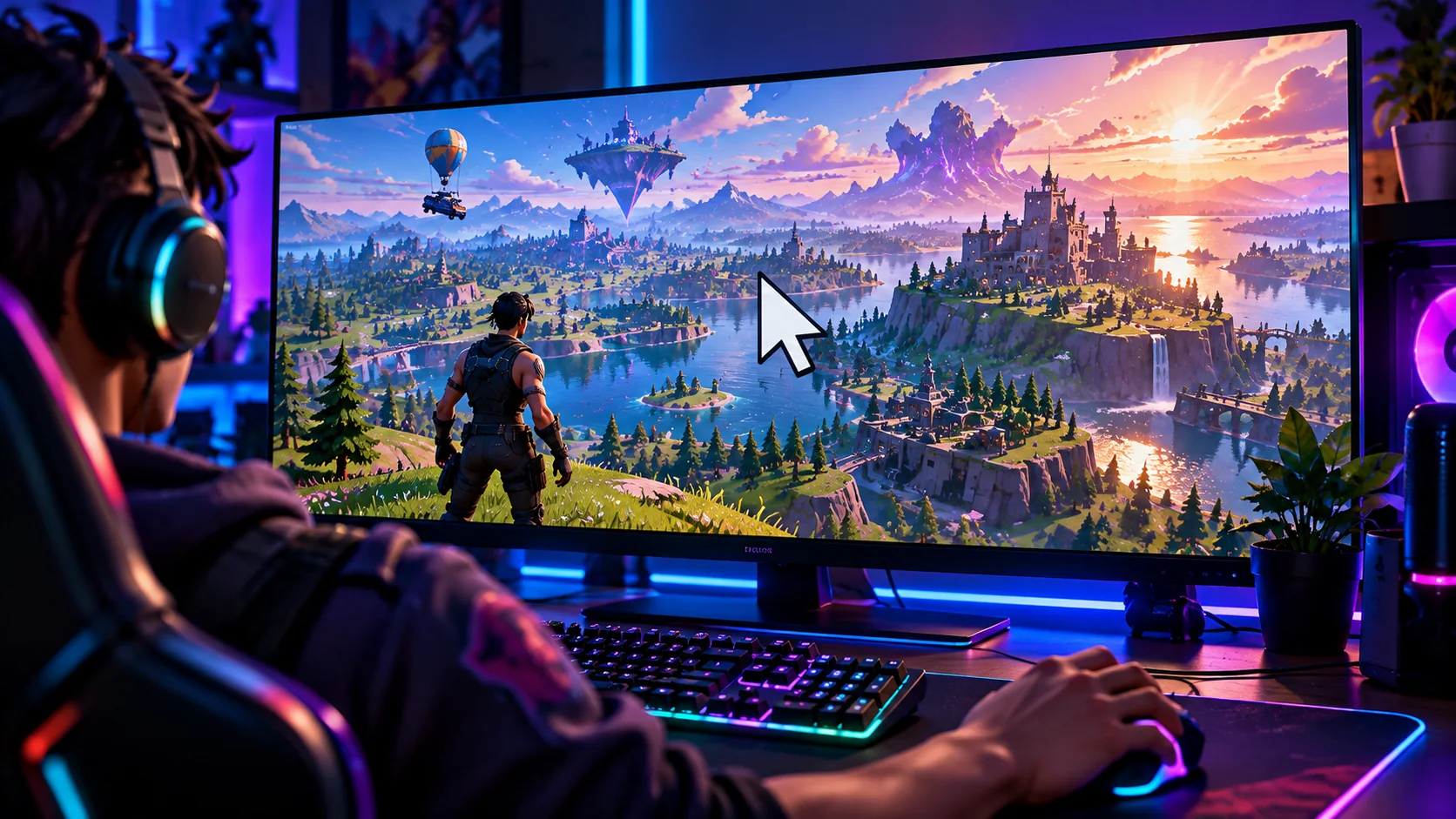
Switch Fortnite to Fullscreen, then back again if it was already enabled.
Epic recommends using Fullscreen when a Fortnite cursor escapes across monitors. Open Video settings and select Fullscreen; if it is already selected, switch to a different window mode and then return to Fullscreen. Apply changes, return to the match and retest. If the pointer still appears, close overlapping apps such as chat overlays and check whether the problem happens only with a second display.
When does the cursor appear?
A visible pointer, a cursor on another monitor, and a missing mouse focus need different checks.
4 simple checks, in the right order
Start with the fastest reversible test, then move to the next check only if the symptom remains.
Reset the active display mode using Epic’s workaround
In Fortnite Settings → Video/Display, select Fullscreen and click Apply. If Fullscreen is already active, switch temporarily to another mode and then back to Fullscreen. Epic recommends this specifically for the cursor moving between monitors during matches.
Check a real match after applying; the menu always uses a visible pointer.
Close overlays and restore focus to Fortnite
Temporarily close chat overlays, screen-sharing controls, clipping tools and other windows that can sit on top of the game. Return focus by selecting the Fortnite window and retest movement and menus. If the pointer becomes stuck right after a notification, the overlay is a strong suspect.
Do not install third-party cursor-locking software until ordinary focus checks are exhausted.
Test the active monitor and resolution
On multi-monitor setups, confirm Fortnite starts on the intended display. If the pointer is misaligned, Epic’s device advice suggests Fullscreen and an ordinary 16:9 resolution such as 1920×1080 as a diagnostic; restore your preferred resolution after confirming behavior.
Avoid changing custom aspect ratios and GPU scaling together.
Restart and isolate peripheral input problems
Fully exit Fortnite and reboot once if needed. Check for mouse utilities injecting extra profiles or input layers and verify the mouse also behaves normally on the Windows desktop. If only Fortnite reproduces the issue, note the display mode, monitor count and overlay state for support.
Game reinstall is not the first response to a cursor-capture issue.
Unverified programs that hook gameplay inputs may create security or compatibility problems. Use supported display settings first.
If the first four checks do not help
Use these specific clues to avoid unnecessary changes.
Only happens with two monitors
Likely focus/window capture or active-display behavior.
Pointer shows after opening Discord overlay
Try closing or disabling that overlay for comparison.
Cursor appears offset in the menu too
Check fullscreen resolution and Windows scaling.
Only one mouse exhibits problems
Inspect that device’s utility, driver or USB connection.
Still seeing this problem?
Note the platform, exact symptom, when it started, and which checks changed anything. Share that evidence through official Epic support.
Epic Games Support ↗Quick FAQs
Why is my mouse visible during gameplay?
Input capture or window focus can fail.
Does Fullscreen fix the cursor jumping monitors?
Epic explicitly recommends testing it.
Should I use third-party cursor lock tools?
Not as a first step; try game-native settings.
Can overlays cause this?
Yes, some overlays take focus away from the game.
Do I need a new mouse?
Usually not for a problem restricted to Fortnite window focus.
Official support sources
Original Walker Bex guide, reviewed October 15, 2026. Official guidance and available features may change after updates.