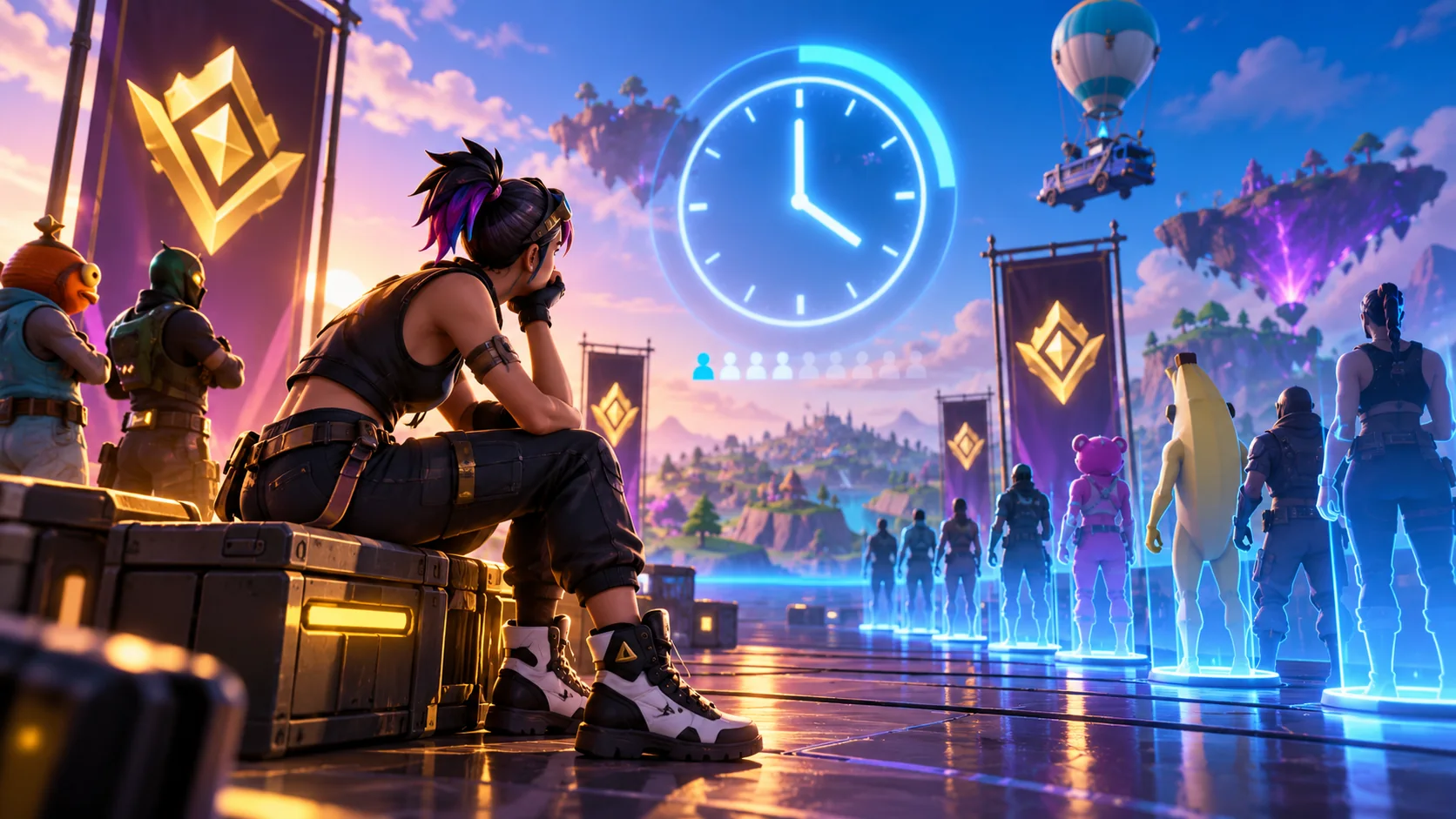
Check the Ranked Reload schedule and region before restarting repeatedly.
Open Fortnite’s Ranked information panel and check the current Reload schedule. Then confirm the playlist is available in your region and compare a solo/smaller party queue if the mode allows it. A long queue may reflect limited players of similar rank rather than broken files. If the search has clearly stopped progressing, cancel once, return to the lobby and queue again while checking Epic service status.
Which queue pattern do you see?
Stuck on “Finding match,” unavailable playlists and party-only delays each suggest a different cause.
4 simple checks, in the right order
Start with the fastest reversible test, then move to the next check only if the symptom remains.
Review Ranked Reload availability and its current schedule
Open the Ranked information panel for Ranked experiences. Epic lists a Reload schedule there, so first confirm the playlist is active at the time you are trying to join. If it is off-schedule or temporarily unavailable, no local file repair will fix the queue.
A grayed-out or unavailable Ranked playlist is not the same as a slow active queue.
Compare time of day, matchmaking region and party size
Check your selected region and try a busier time in the same region. If group queues are abnormally long, test a smaller eligible party or different leader. Queue times can change with rank distribution, party composition and player population.
A low-population or unusually strict queue can take longer even when the game is healthy.
Cancel once and rebuild the lobby if the search is truly frozen
Back out to the main lobby, allow the playlist to reload, and then start a new search. If you were in a party, have everyone leave and recreate it. Do not spam cancel-and-ready every few seconds; that prevents any useful timing comparison.
One clean reset is enough to test a stale lobby state.
Check status and report reproducible abnormal waits
If even standard playlists fail or many users report the same sudden delay, consult Epic service status. If status is healthy but Ranked Reload alone is consistently impossible at busy times, record region, platform, rank, party size and approximate wait for support.
Reinstalling Fortnite is not the normal fix for an underpopulated queue.
Switching to a distant region may increase ping. Test availability first and avoid unnecessary account edits.
If the first four checks do not help
Use these specific clues to avoid unnecessary changes.
Standard Zero Build works but Ranked Reload stalls
The problem is likely mode-specific or matchmaking-population related.
Friends in another region queue faster
Matchmaking pools and schedules may differ by region.
A party gets stuck but solo works
Compare party size, eligibility and leader configuration.
All Fortnite queues fail suddenly
Check service status and connectivity first.
Still seeing this problem?
Note the platform, exact symptom, when it started, and which checks changed anything. Share that evidence through official Epic support.
Epic Games Support ↗Quick FAQs
Is every long Ranked Reload queue a bug?
No. Population, rank, schedule and party conditions can extend waits.
Where can I check the Ranked Reload schedule?
Epic points to the Ranked information panel in a Ranked experience.
Should I cancel and requeue repeatedly?
No; make one clean retest and compare results.
Can a different region help?
Sometimes for availability, but it can increase latency.
Do I need to verify game files?
Not unless other symptoms indicate local file damage.
Official support sources
Original Walker Bex guide, reviewed October 15, 2026. Official guidance and available features may change after updates.