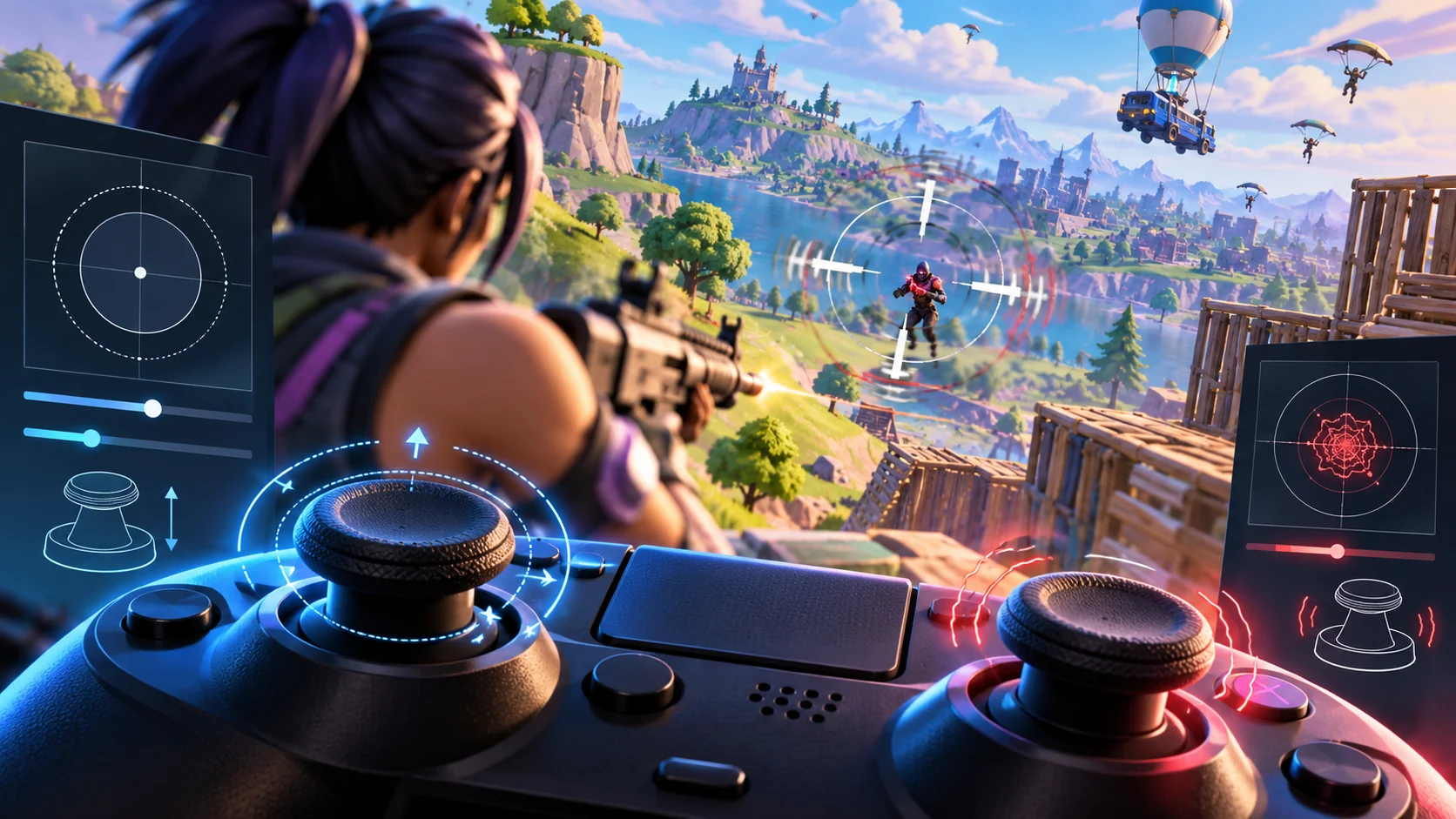
Start with this quick answer
Check whether the interaction is vaulting, hurdling, mantling or jumping; they may use different movement rules or button behavior depending on mode. Open Settings → Controller Mapping, note your custom preset, and compare with a default layout. Test the same obstacle in a supported playlist. If the function fails on one custom map only, report that map rather than resetting your entire controller.
Which situation matches your issue?
Select the closest symptom to see the best place to begin.
4 quick checks before the illustrated guide
Begin with these safe, reversible checks, then follow the ten illustrated steps in detail.
Identify the exact movement action
Decide whether you mean hurdling, vaulting or mantling. Test the action in a supported game mode.
Not every action uses the same context or input. Creative maps may customize or disable movement.
Photograph your controller layout
Save a screenshot before modifying custom bindings. Go to Settings and the mapping page for your controller. Look for competing assignments on the affected button.
Protect a setup that already works for other actions. Epic supports Builder Pro and Custom layouts. A conflict may suppress the action you expect.
Compare with a default preset
Test a standard mapping temporarily and note differences. Test the relevant physical button in menus or another game. Save changes and try a suitable object without exploiting glitches.
Do not erase your original settings. Hardware input problems can mimic mapping bugs. Keep the test low-risk and repeatable.
Relaunch and check persistence
If settings revert, use the official save-settings path. Include mode, console, controller and action name.
On PC check the Read-only setting only if necessary. A clear report is better than random remapping.
10 illustrated steps — follow along visually
These are high-resolution, separately rendered conceptual illustrations, not screenshots of the current Fortnite interface. Follow the written instructions; menus and options may change.
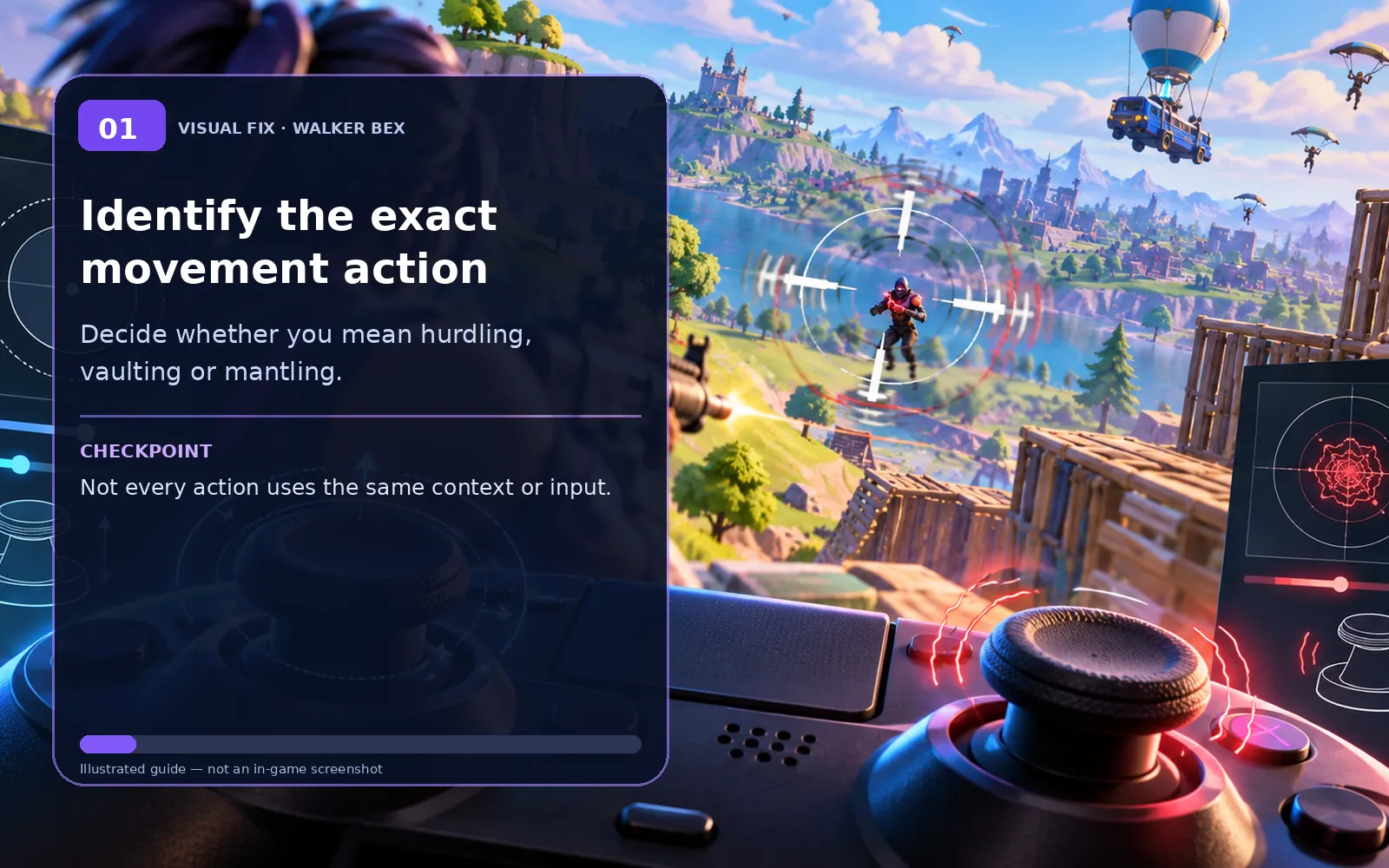
Identify the exact movement action
Decide whether you mean hurdling, vaulting or mantling.
Not every action uses the same context or input.

Check the current playlist
Test the action in a supported game mode.
Creative maps may customize or disable movement.
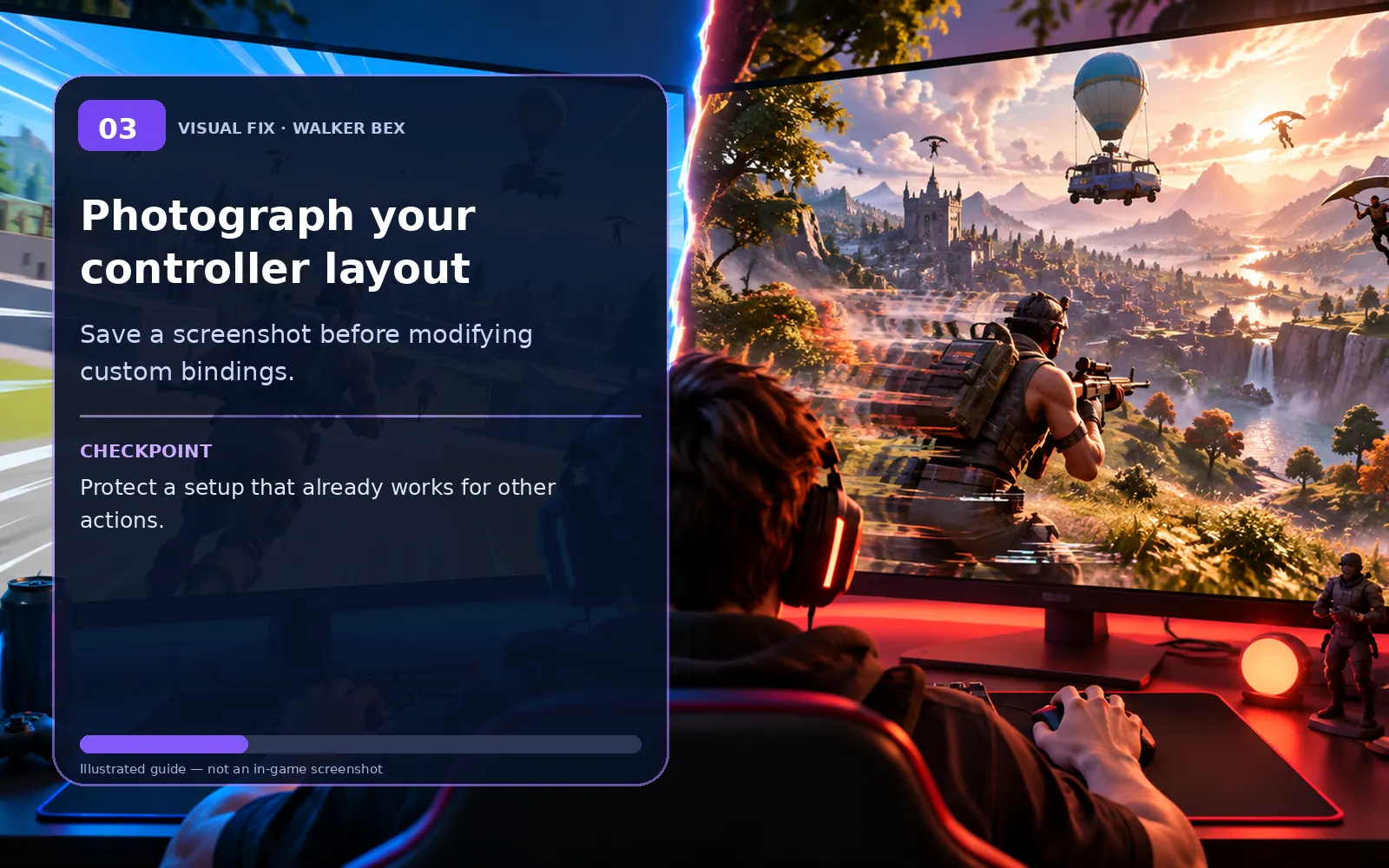
Photograph your controller layout
Save a screenshot before modifying custom bindings.
Protect a setup that already works for other actions.
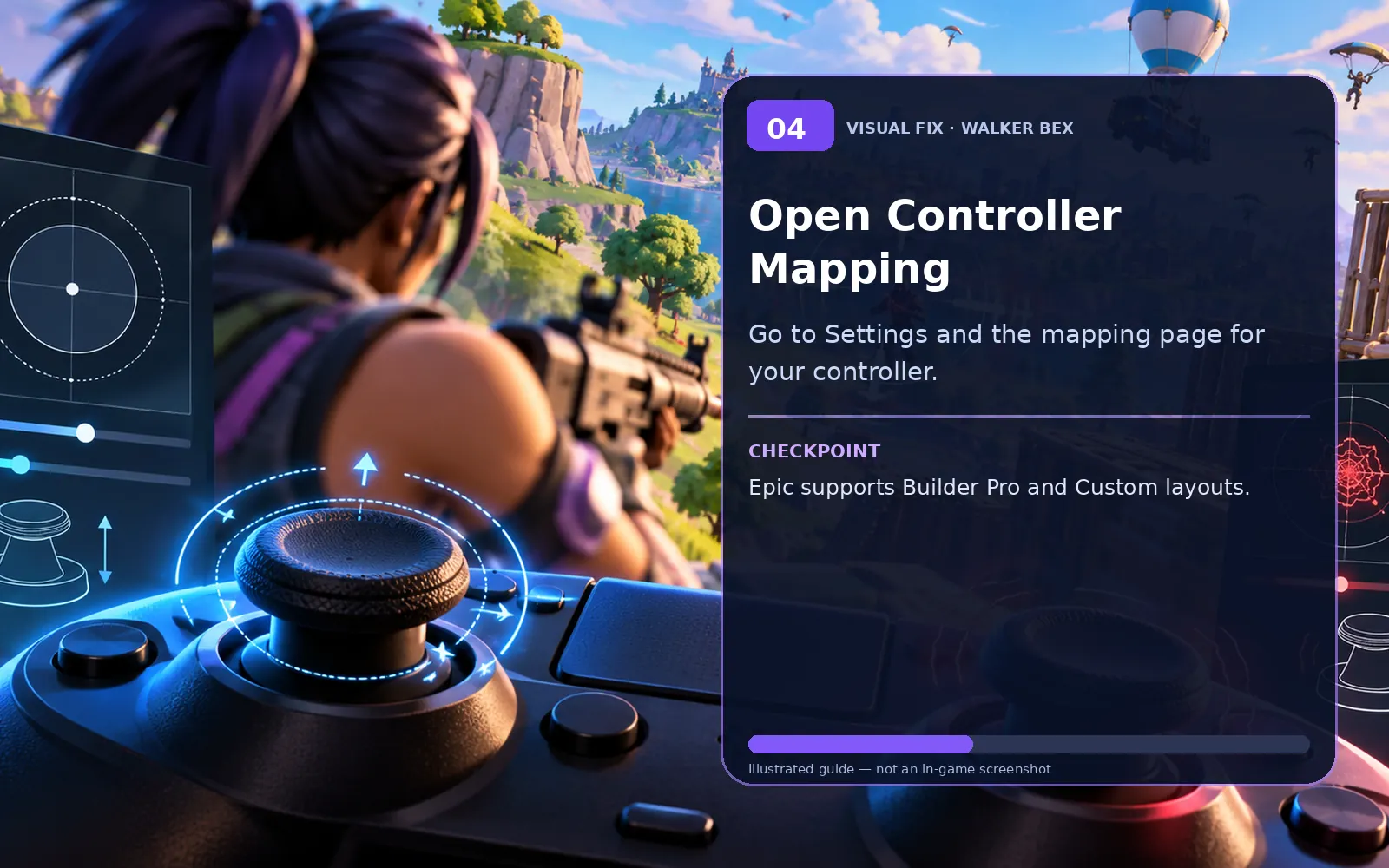
Open Controller Mapping
Go to Settings and the mapping page for your controller.
Epic supports Builder Pro and Custom layouts.
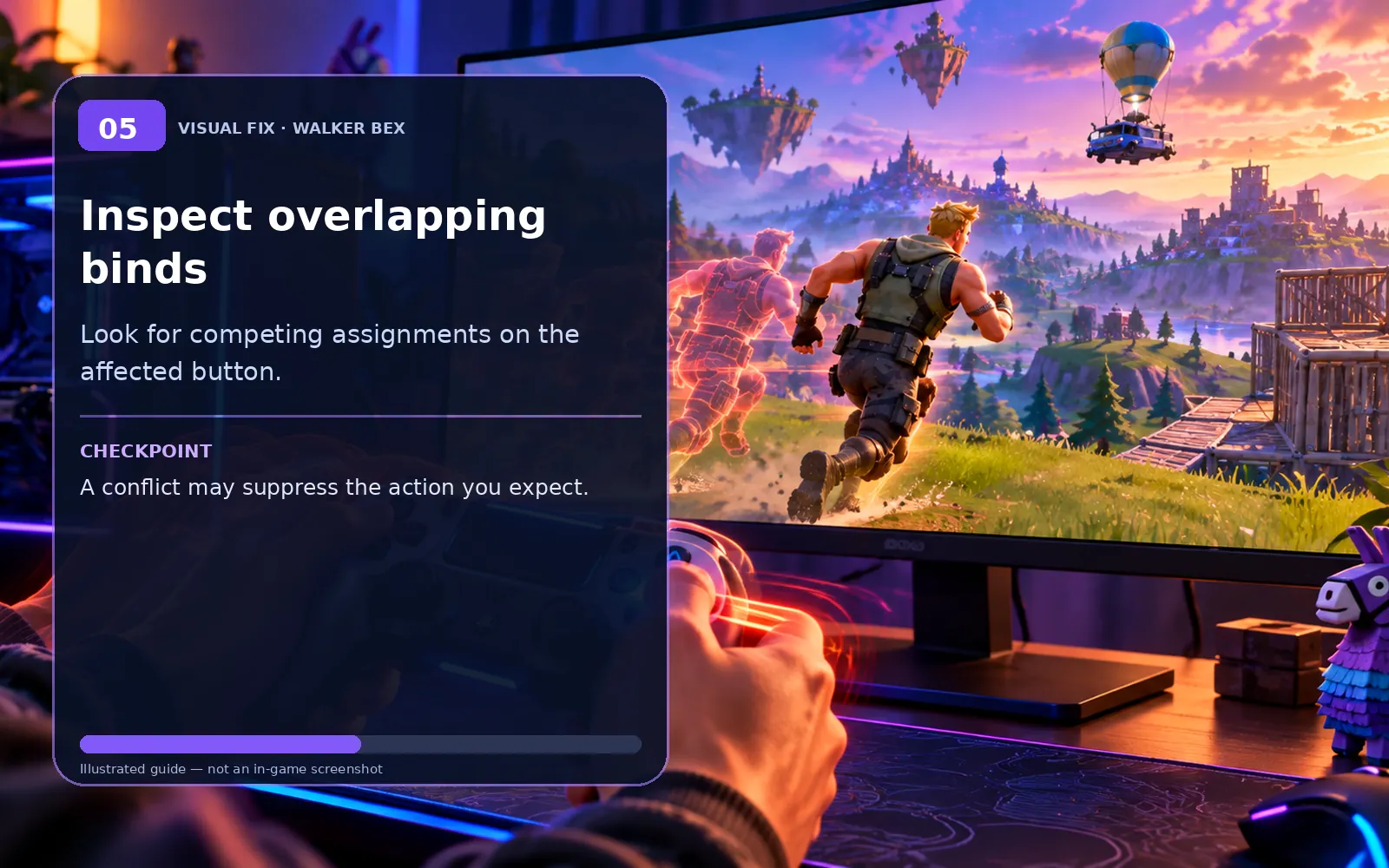
Inspect overlapping binds
Look for competing assignments on the affected button.
A conflict may suppress the action you expect.
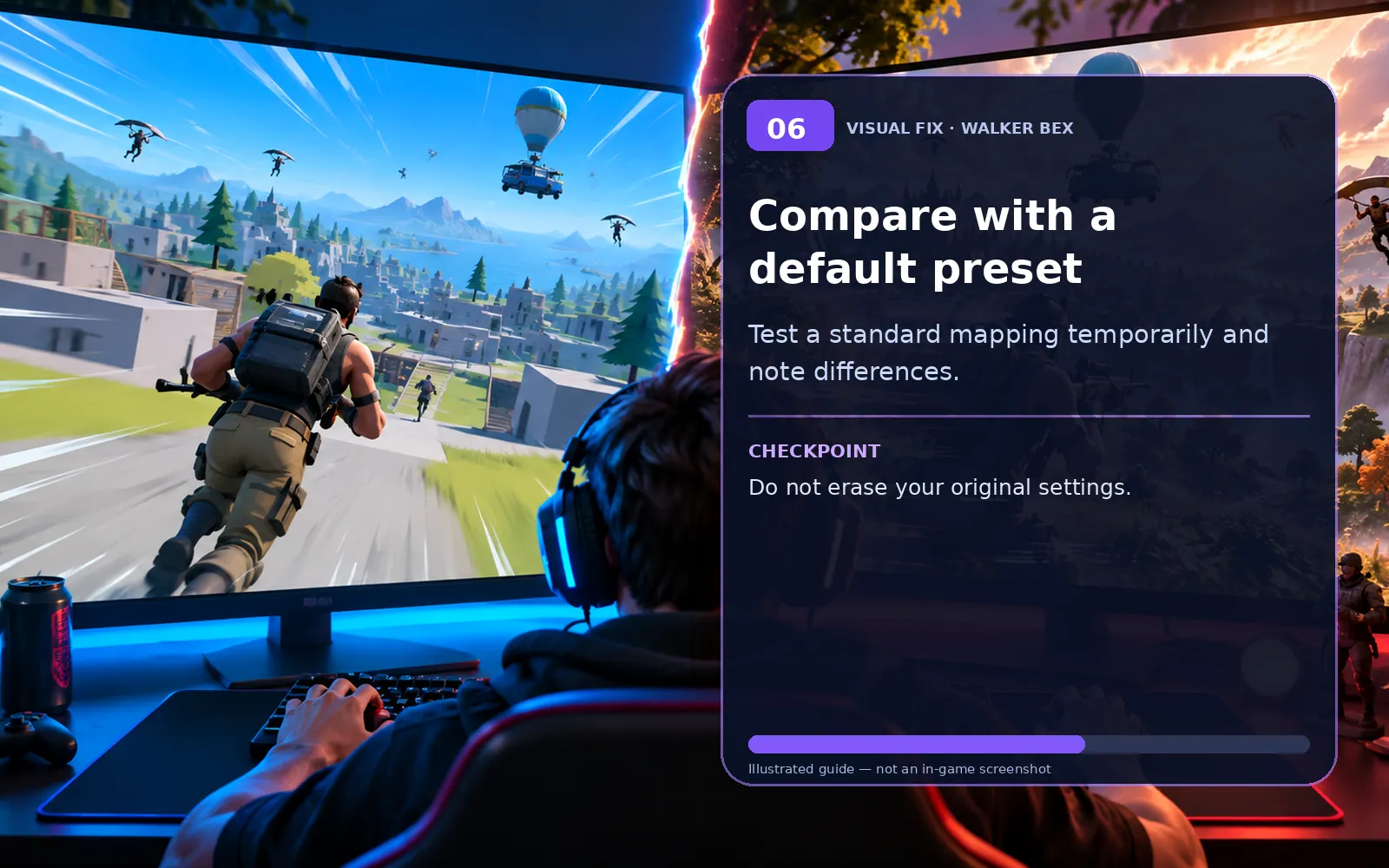
Compare with a default preset
Test a standard mapping temporarily and note differences.
Do not erase your original settings.

Check the controller itself
Test the relevant physical button in menus or another game.
Hardware input problems can mimic mapping bugs.

Apply and test in a normal match
Save changes and try a suitable object without exploiting glitches.
Keep the test low-risk and repeatable.

Relaunch and check persistence
If settings revert, use the official save-settings path.
On PC check the Read-only setting only if necessary.
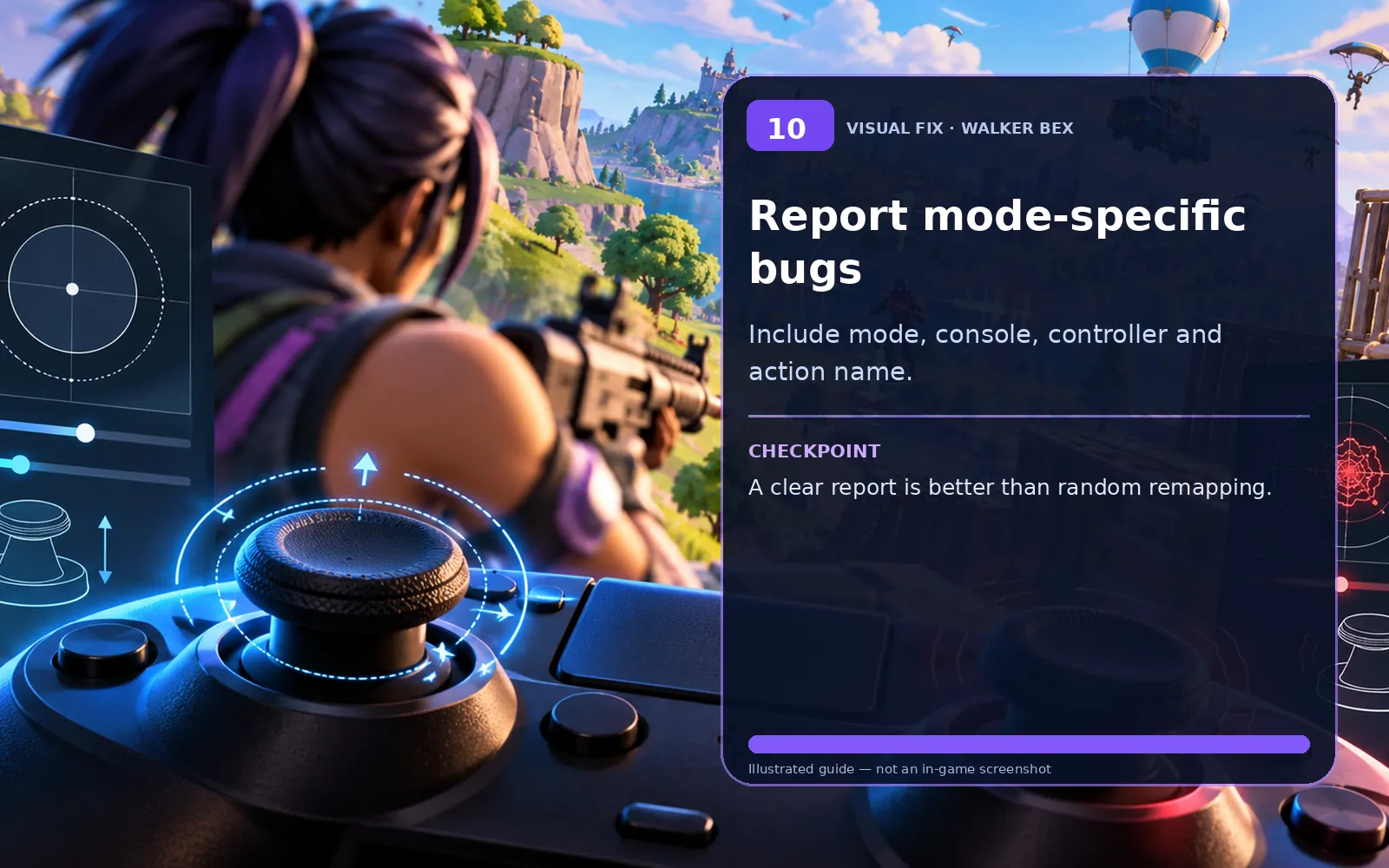
Report mode-specific bugs
Include mode, console, controller and action name.
A clear report is better than random remapping.
Some old guides suggest locking configuration files. That can stop legitimate changes from saving. Never delete a folder of settings just to recover one binding, and do not unlink an Epic account to troubleshoot keybinds.
Important notes if the problem persists
These conditions can help you tell an account, platform, server or local problem apart.
Only this one platform is affected.
Try the platform-specific check first, then compare another supported device or account only when safe.
Friends see the same issue at the same time.
Check Epic service status and recent updates before making local changes.
The problem began after a recent update.
A temporary version issue is possible; do not assume a hardware fault without a comparison test.
A quick fix helped once but the problem returned.
Make one change at a time, record the pattern and avoid repeatedly resetting unrelated settings.
Still experiencing the issue?
Collect the platform, exact symptom, tests already performed and whether friends reproduce it; include a short clip when appropriate.
Official Fortnite Support ↗Quick FAQs
Is vaulting the same as mantling?
Not always. Movement mechanics can have different activation conditions.
How do I customize controller binds?
Use Fortnite Settings → Controller Mapping → Custom.
Why does one Creative map behave differently?
Island creators may change which movement mechanics are available.
Should I reset all controls?
Not before recording your layout and testing a default preset.
Could it be the controller button?
Yes. Test that input outside the affected mechanic.
Official support sources
- Epic: Configure a controller in Fortnite
- Epic: What to do if Fortnite will not save settings
- Epic Games Fortnite Support
Original Walker Bex troubleshooting text, reviewed October 14, 2026. Visual aids are independent educational illustrations, not actual software screenshots. Verify current menu names and official instructions before making changes.