Quick answer
Choose an original skin below, download its 64 × 64 PNG, then upload it through Minecraft Launcher → Java Edition → Skins. No account credentials are needed on a skin gallery.
Ten skins to download
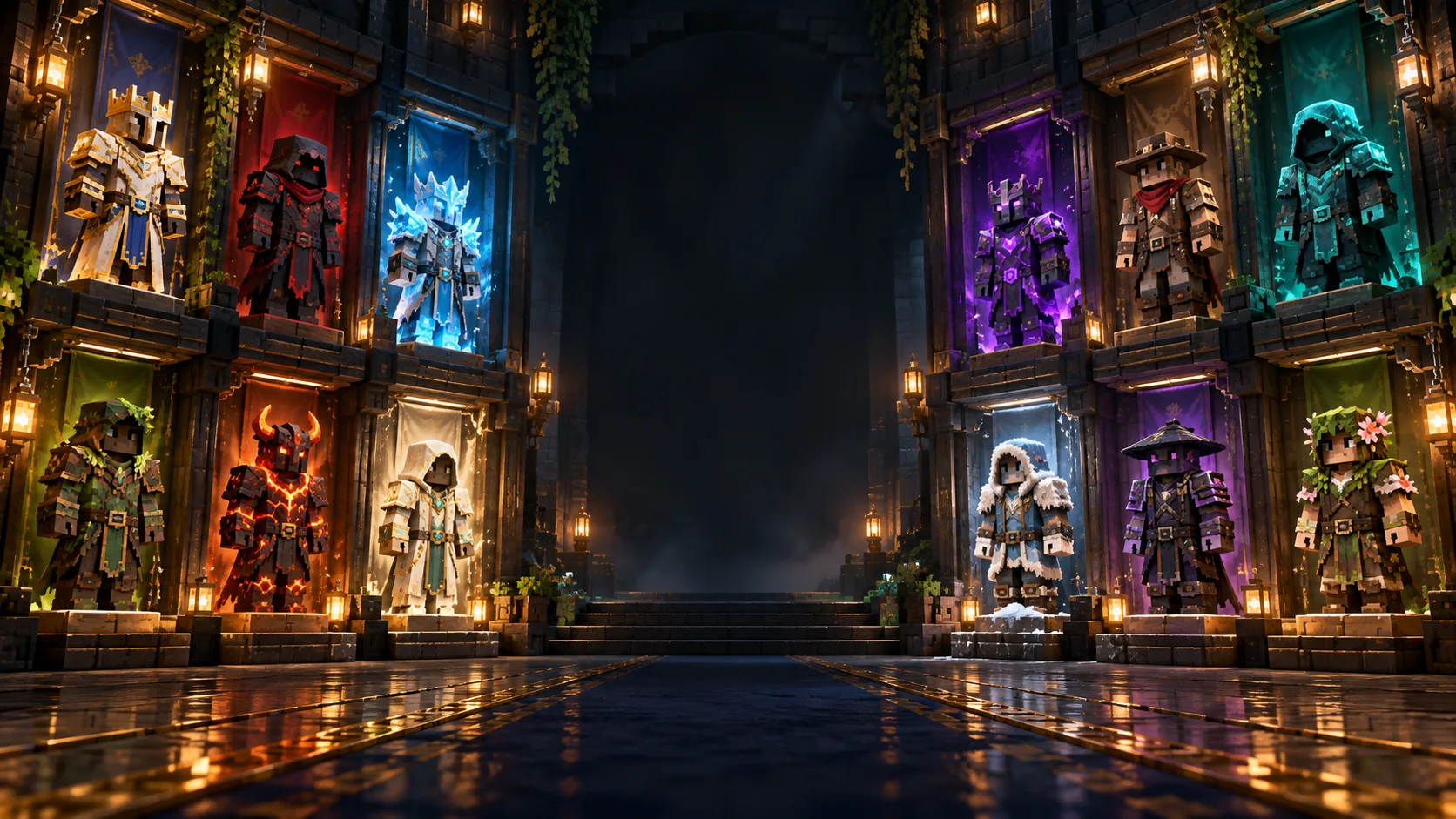
The ten original 64 × 64 PNG skins in this package have direct local downloads. Previews show front and back. They are examples, not third-party branded skins.
How to upload to your Java profile
- Open Minecraft Launcher and select Minecraft: Java Edition.
- Open Skins → New Skin. Choose a name, select the correct Classic or Slim arm model, then browse to the PNG.
- Save & Use, launch the game and check your character. The profile may take a moment to update.
Safe skin downloads
A Minecraft skin is a PNG texture, not an EXE, ZIP installer or login flow. Check the file extension and use the official launcher to apply it.
Common questions
Do these skins work in Bedrock?
This gallery is packaged and documented for Java Edition; Bedrock import menus differ.
Do I need to sign in to download a PNG?
No. The local ZIP contains the original skin files.
Sources and review
Reviewed 12 October 2026. Primary reference. Confirm live codes, prices, patch notes and account rules before publication.