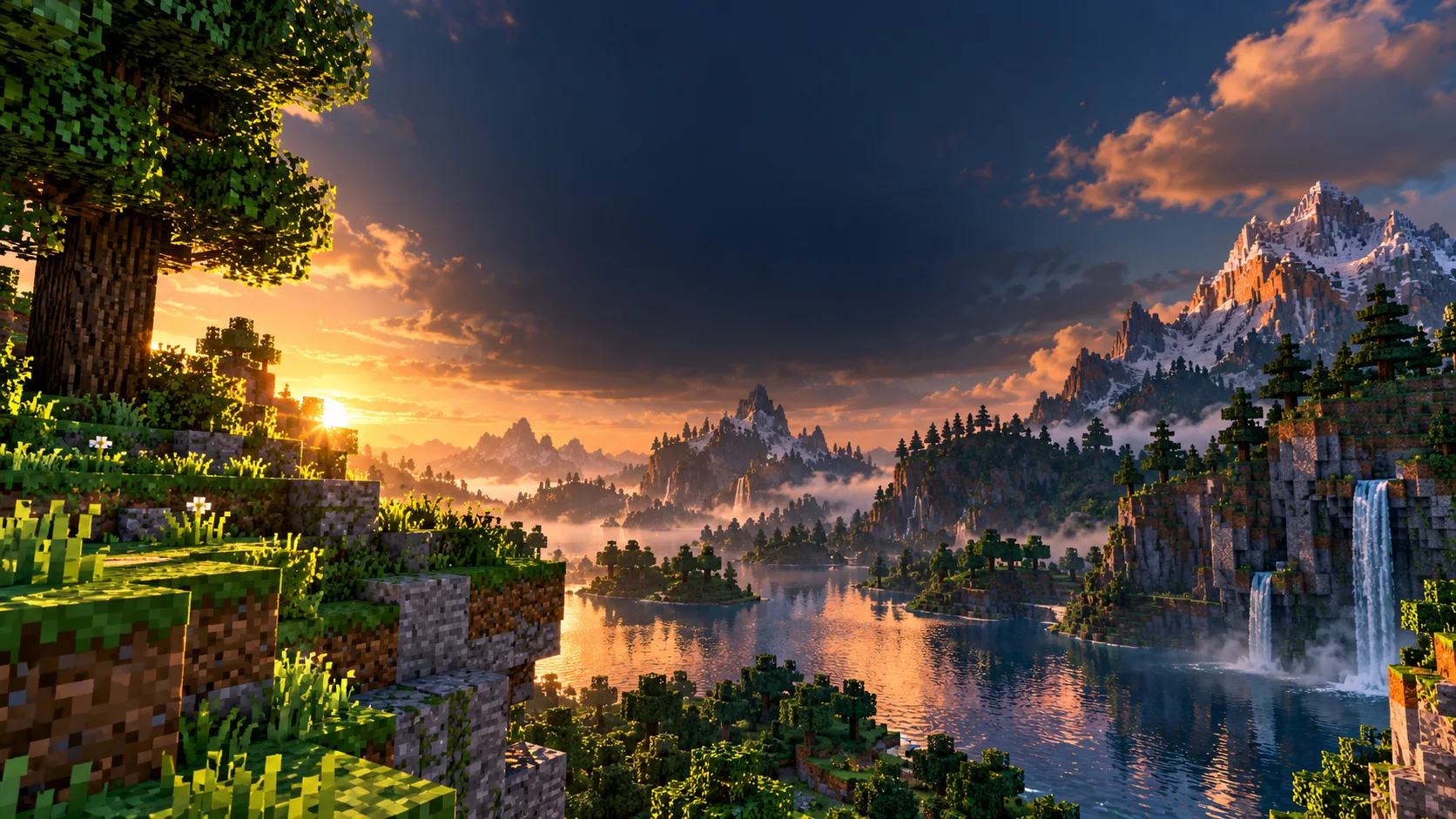
For 1.20, try SEUS PTGI if you have a strong GPU, BSL as a balanced visual option, or Sildur’s Basic on lower-end hardware. Install one compatible shader loader and compare each pack on the same world and settings.
Visual gallery and real project samples
High-end
SEUS PTGI: experimental path-traced lighting; check its creator page for supported builds.
Midrange
BSL: customizable shadows and atmosphere.
Low-end
Sildur’s Basic: lighter effects and simple presets.
| Pack | Best for | Official creator/project gallery |
|---|---|---|
| SEUS PTGI | High-end lighting experiments | SEUS project ↗ |
| BSL | Atmosphere with extensive tuning | BSL creator ↗ |
| Sildur’s Basic | Lower GPU cost | Sildur project ↗ |
Before/after test method
- Capture a baseline screenshot in the same Java 1.20 world, angle, time of day and weather.
- Install Iris with Sodium or a compatible OptiFine build for your exact game version.
- Enable one pack at a time in Video Settings → Shader Packs/Shaders.
- Take a second screenshot and compare lighting, water, foliage and your actual FPS.
Iris versus OptiFine
Iris is a shader loader commonly paired with Sodium; OptiFine is a separate profile/mod with its own shader menu. A shader pack may not support every feature equally in both. Download the correct version and read the pack’s compatibility notes.
Sources and review
Reviewed 12 October 2026. Primary reference. Confirm live codes, prices, patch notes and account rules before publication.